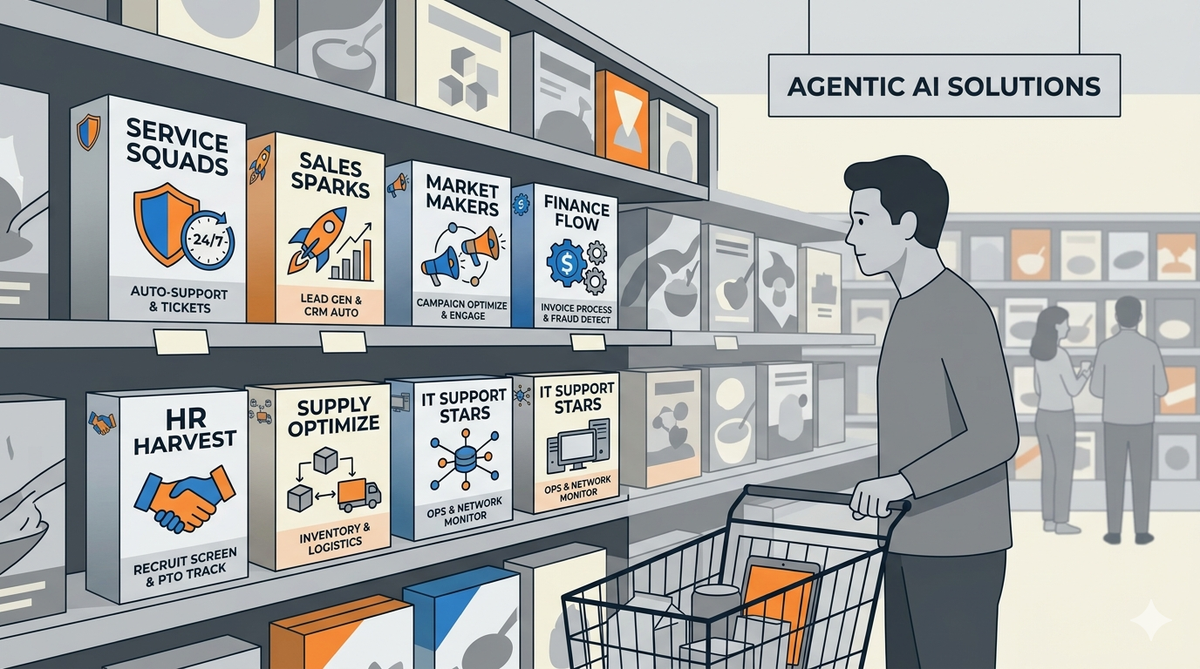
The AI Hype vs. Nonprofit Reality
Nonprofits face unique constraints: limited staff time, constrained budgets, sensitive data about vulnerable populations, and the need to demonstrate real impact. The AI tools that work for well-resourced corporations often don't fit nonprofits' needs—or expose them to unacceptable risks. This guide helps you cut through the marketing and find what actually works for your organization.
Nonprofit AI Risks: A Priority Framework
Not all AI tools carry the same level of risk for nonprofits. We've categorized the most common AI applications by their risk profile—high, medium, and low—along with guidance on whether to use them and how to evaluate them.
Vendor Evaluation Framework
Before you adopt any AI tool, answer these five questions to assess whether it's appropriate for your organization.
AI Vendor Evaluation Checklist
| Question |
What to Ask |
Red Flag |
| Data Usage |
"Do you use customer data to train your models? Can I opt out?" |
Vague answers or "we may use data for improvement" |
| Data Location |
"Where is my data stored and processed? Can you comply with [state/country] data residency requirements?" |
Data stored only on overseas servers with no opt-out |
| BAA/Contract |
"Are you willing to sign a Business Associate Agreement (BAA) if we handle protected health information?" |
Refusal to sign any contractual terms |
| Security |
"What security certifications do you hold? How is data encrypted at rest and in transit?" |
No certifications, unclear security practices |
| Exit Strategy |
"If we decide to stop using your service, how do we export all our data? In what format?" |
Data locked in proprietary format or requires legal action to retrieve |
Privacy Best Practices for Nonprofit AI Use
Even with low-risk tools, follow these practices to protect your organization and the people you serve:
Nonprofit AI Data Handling Principles
- Minimize data collection: Only collect what you need, only keep it as long as necessary.
- De-identify before processing: Remove or mask personally identifiable information before using AI tools.
- Consent transparency: Inform people when their data may be used with AI tools, and provide opt-out options.
- Access control: Limit who can access AI tools and what data they can input.
- Regular audits: Review AI tool usage and data handling practices quarterly.
AI Tool Recommendations by Budget Tier
Here are some actual tools that work well for nonprofits, categorized by budget level and use case. We've researched and chosen each of these based on the evaluation framework above.
What to Avoid (Specific Vendors & Tools)
These tools have raised concerns among privacy advocates, legal professionals, or nonprofit technology consultants:
Tools to Avoid or Use with Extreme Caution
| Tool Type |
Concern |
| Consumer generative AI with PII: |
ChatGPT, Claude, Gemini with client data, donor information, or employee records. |
| AI resume screening: |
Tools that automatically rank or disqualify applicants based on AI analysis. |
| AI HR assistants: |
Tools that interact with job candidates or employees in ways that could be perceived as manipulative. |
| AI image generation for people: |
Creating images of real people without consent; potential for deepfakes and misuse. |
| AI client assessment tools: |
Tools that replace human assessment of client needs or eligibility for services. |
AI Implementation Checklist for Nonprofits
Before rolling out any AI tool to your staff or program, run through this checklist:
Pre-Implementation Checklist
- [ ] Legal counsel has reviewed the vendor's terms of service
- [ ] Privacy officer or data protection officer has assessed data handling risks
- [ ] Staff have been trained on appropriate and inappropriate use
- [ ] A policy document exists outlining acceptable AI use cases
- [ ] Staff know what to do if an AI tool produces harmful or inaccurate output
- [ ] There's a plan for reviewing and auditing AI usage quarterly
- [ ] Backup plans exist if the AI tool becomes unavailable or changes significantly
The AI Maturity Model for Nonprofits
Organizations progress through these stages as they develop AI capability:
- Stage 1 (Aware): Knows what AI tools exist, understands basic risks and benefits.
- Stage 2 (Test): Pilots low-risk AI tools in non-client-facing areas, learns from experience.
- Stage 3 (Govern): Has formal AI policy, trains all staff, audits usage regularly.
- Stage 4 (Optimize): Continuously improves AI use, shares best practices, adapts to new tools responsibly.
Most nonprofits are at Stage 1 or 2. Don't rush to Stage 4—take time to build the foundation.
Need Help?
If you're overwhelmed by the AI options or want help developing an AI policy for your organization, contact us. We can help you assess your needs, evaluate tools against your risk profile, and create an implementation plan that protects your mission and the people you serve.
Quick feedback
Did this guide help?
Your answers shape what we write next.
Related Resources